A Runway Motion Workflow for a Simple Editorial Clip
Use a small original scene to learn a video workflow before attempting a complex advertisement or a character sequence. The exercise below plans a fictional notebook on a bright desk, with one page turning and a fixed camera. It is a proposed workflow, not a claim that we generated or tested this example. Runway documentation was reviewed for October 18, 2026; model names, modes and controls may change, so use the help page matching the option currently selected in your account.
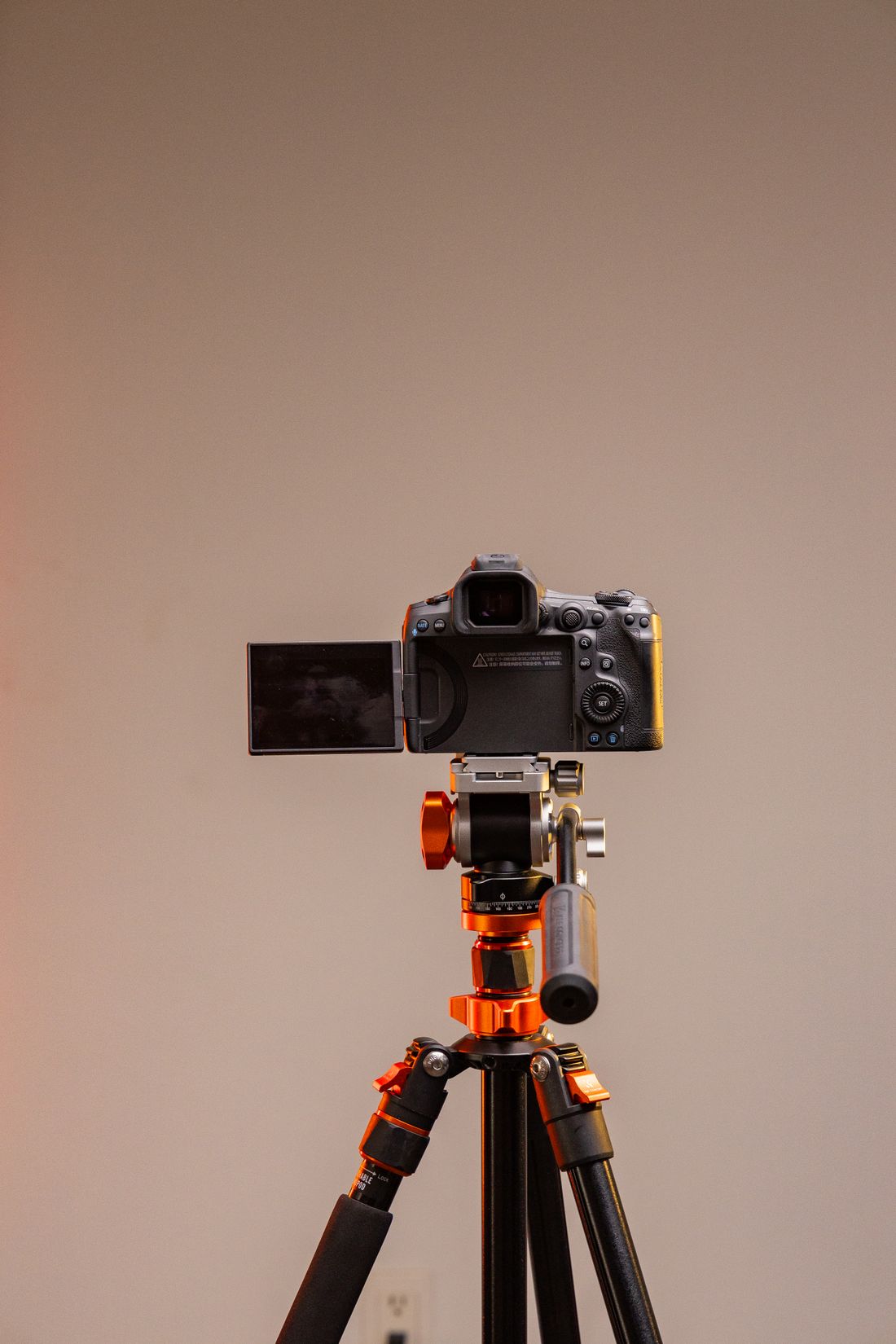
Photo: Amar Preciado · License. Illustrative stock photography.
Define the deliverable and the source
Write a brief that names the final use: a short transitional shot between sections of a writing tutorial. Use your own photograph of an unbranded notebook, or another source you have permission to transform. Make sure the page is visually simple, with no essential text the model must preserve. Decide the frame shape from the planned edit before uploading. Record what matters: one notebook, one page movement, stable desk edges and a calm appearance. Everything else is secondary to that limited task, which makes review more objective.
Select the current mode deliberately
Open the official application and choose the image-to-video route that fits the source. Read the documentation for the selected model rather than applying instructions from a similarly named older one. Runway's Gen-4 guide and newer image-to-video guide describe their own prompting context; this journal does not assume all versions behave identically. Check the settings and current usage cost displayed before generating. Record the model label, chosen duration and frame shape in your log. If an essential control is absent, revise the plan or consult current help instead of inventing a hidden setting.
Start with one visible movement
An original starting prompt for the prepared notebook image is: One page slowly turns from right to left, then settles flat. The notebook rests on the desk. Fixed camera, soft daylight. The instruction gives a single temporal event and an endpoint. It avoids a camera move that could obscure the page behavior you want to assess. This is a creative hypothesis, not a guaranteed command. If a normal physical page turn proves too unstable, consider a simpler alternative such as a slight movement of a nearby curtain while the notebook remains still.
Review the action against the source
Play the output through before judging its thumbnail. Look for extra pages appearing, binding changes, fingers that were never in the source, and desk edges that bend as the page moves. Decide whether the requested action reads naturally at the intended playback speed. If the page movement is the only issue, adjust that request without simultaneously changing lighting and composition. Keep the original version for comparison. A useful review note is specific, such as the notebook gains a second binding halfway through, rather than a vague statement that the model misunderstood everything.
Organize versions so the decisions remain clear
Runway documents sessions and asset management for grouping and retrieving work. Use a recognizable project name and keep rejected, possible and selected outputs distinguishable. An example local name is notebook_s02_v03_candidate, paired with a log entry that contains the complete prompt and source filename. Do not rely on a tiny preview or a remembered generation time to identify the approved take. Download permitted files through the application's ordinary controls and retain an original copy before trimming or adding graphics. Storage organization is part of the production workflow, not merely administrative cleanup.
Finish the editorial use with honest context
Place the selected segment in an edit and check whether it communicates a transition without distracting from the tutorial. Add exact headings and instructional text in the editor. Do not present the fictional notebook movement as a captured demonstration of a specific real product. Check any relevant platform disclosure requirements before posting and preserve available provenance information. If no attempt meets the brief within your predetermined budget, stop and use a real filmed page turn or a still image. The goal is a useful, reviewed transition, not an unlimited search for a perfect generation.
Your working checklist
Checkmarks stay in this browser when storage is available. They do not submit a form or complete a booking.
Put it into practice
- Specify the transition's purpose and prepare an image without essential generated lettering.
- Choose and record the current model, mode and settings before checking the displayed generation conditions.
- Try one page-turn direction and review the complete clip for identity and physical coherence.
- Organize the chosen output, finish titles in the edit and publish with appropriate synthetic-content context.
Before you finish
- The documentation matches the actual selected model.
- The source is cleared for upload and transformation.
- A single action has a clear ending.
- Notebook geometry stays coherent throughout the retained segment.
- The approved take can be matched to its prompt and source.
Common questions
Is this a tested Runway preset?
No. It is an original teaching workflow and prompt example. Inspect any output you make and adapt the shot when the result does not meet the brief.
Should I keep generating until the page turn works?
Use a budget and a stopping rule. A filmed insert, a still or a simpler motion can solve the production need without repeated unsuccessful attempts.
Why keep rejected versions?
Retain enough history to understand what changed and avoid repeating a failed direction. You can later archive unnecessary files according to your storage and privacy preferences.