Write a Text-to-Video Prompt Around One Visible Action
A useful text-to-video prompt describes something the camera can observe. It cannot guarantee a result, but it can make the intended scene and action easier to evaluate. Begin with one shot, one main movement and a clear reason for the clip. The examples in this October 18, 2026 guide are original teaching prompts, not documented outputs or promises about a model. Check the prompting guidance for the specific tool and mode you use; syntax and available controls differ.
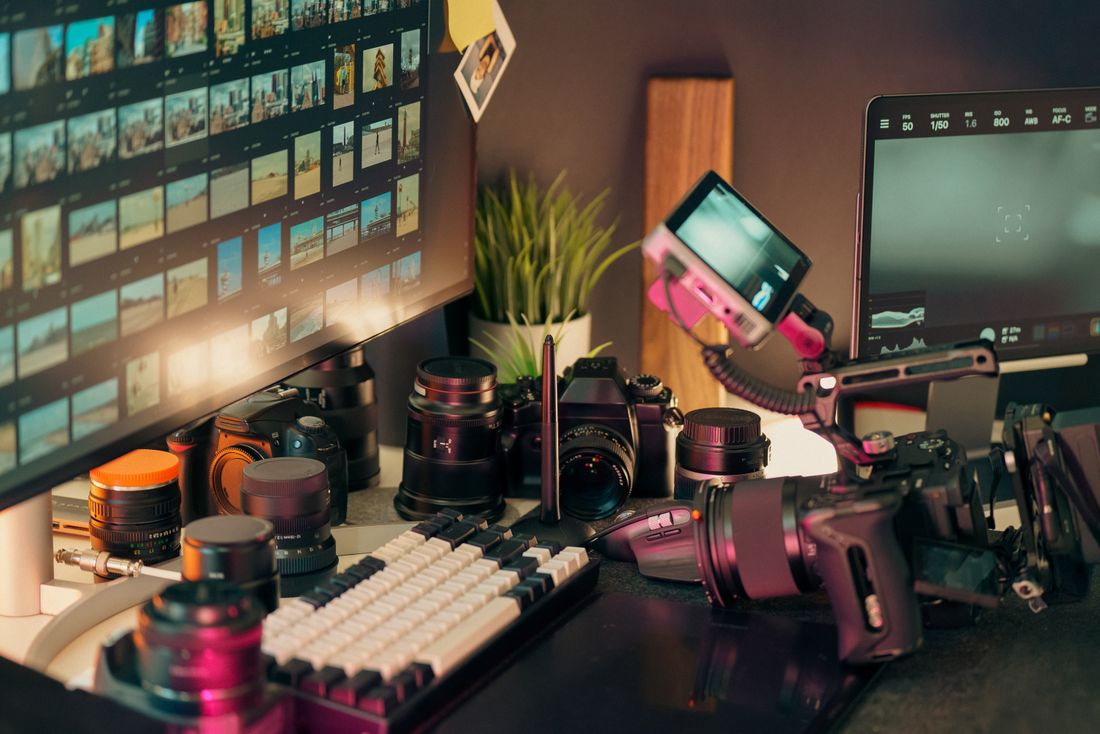
Photo: Jakub Zerdzicki · License. Illustrative stock photography.
Translate the idea into a shot
Replace a phrase such as a magical creative journey with a concrete event: a folded paper bird opens its wings on a desk. State the setting, the subject and the change that should happen within the shot. Keep information that affects visible composition and remove background biography that the viewer cannot infer. Ask whether the requested action fits the available generation duration. If it includes entering a room, meeting three people and leaving at sunset, write several planned shots rather than expecting one short clip to communicate a complete narrative.
Choose the important visual decisions
Specify the setting and appearance needed for the story without asking the model to solve every detail at once. A useful brief might define a wooden desk, pale morning light, one blue paper bird and a quiet observational style. Decide whether a close view or a wider composition makes the action understandable. Avoid adding unrelated quality words that do not describe a visible difference. If two instructions conflict, such as total darkness and a clearly visible face lit only by bright noon sunlight, resolve the contradiction before generating.
Write movement as a simple sequence
Use ordinary verbs and a clear order. An original starting prompt is: A blue paper bird rests on a wooden desk beside a sunlit window. Its folded wings slowly open once. A fixed medium close view keeps the bird centered. Soft morning light and gentle shadows. This describes a modest action with a stable viewpoint. It does not add dialogue, a location change or a complicated transformation. If the shot needs environmental movement, add one relevant element, such as a curtain shifting slightly, and decide whether it helps or distracts.
Use camera language for a reason
A camera direction should explain what the viewer learns. A slow push toward a handwritten note emphasizes the note; a wider view can reveal the desk around it. Avoid requesting simultaneous orbiting, zooming and tracking simply because the terms sound professional. If a product offers separate camera controls, check how those interact with text instructions. Keep the requested view consistent with the action's scale. A tight close-up of a hand may be unsuitable for showing a full-body movement, regardless of how carefully the prompt describes both.
Revise one uncertain element
After reviewing an attempt, describe the observed mismatch before changing the prompt. For example: the wings opened repeatedly, but the brief needs one opening followed by stillness. Revise the action timing while keeping the scene and viewpoint stable. Do not change color, lighting and camera movement at the same time unless you are intentionally exploring a new direction. Save both versions and note the question each answers. Adobe and Runway publish prompting resources, but your review should refer to the actual attempt rather than assuming a wording formula guarantees compliance.
Stop when the clip serves the edit
Define acceptance before repeated generation: the paper bird remains recognizable, the single action reads clearly and the useful section fits the planned transition. Small imperfections outside the final trim may not require another paid attempt, while a changing central object may make the entire result unsuitable. Add titles and exact instructional text in an editor instead of relying on generated lettering. Keep the prompt with the selected file and label synthetic material appropriately in its publishing context. A concise usable shot is a better deliverable than a long prompt with no reviewed output.
Your working checklist
Checkmarks stay in this browser when storage is available. They do not submit a form or complete a booking.
Put it into practice
- Describe a visible subject, setting and single action that fits one short shot.
- Choose a viewpoint and lighting treatment that help the action read clearly.
- Generate within your own budget, then identify one specific mismatch for the next revision.
- Select a reviewed usable segment and add exact titles or labels through ordinary editing.
Before you finish
- The prompt describes an observable event.
- Action and viewpoint are compatible.
- Contradictory lighting or movement instructions are removed.
- Original example prompts are not represented as tested results.
- The accepted clip meets the edit's purpose rather than every possible embellishment.
Common questions
Should every prompt be very long?
No. Include decisions that affect the shot and use the selected model's guidance. More words can introduce contradictions without improving control.
Can one prompt tell a whole story?
A short generated clip is easier to plan as one shot. Build longer stories from separately planned clips and editing when the workflow supports it.
What if the action still comes out differently?
Review the mismatch, simplify the request or change the production method. Clear wording improves the brief but does not guarantee exact model behavior.