Build and Review a Short Generated Video Loop
A loop needs a usable join between the ending and the beginning. Plan a repeating movement, inspect the seam in an editor and accept a non-looping clip when the motion cannot be made coherent without a visible jump.
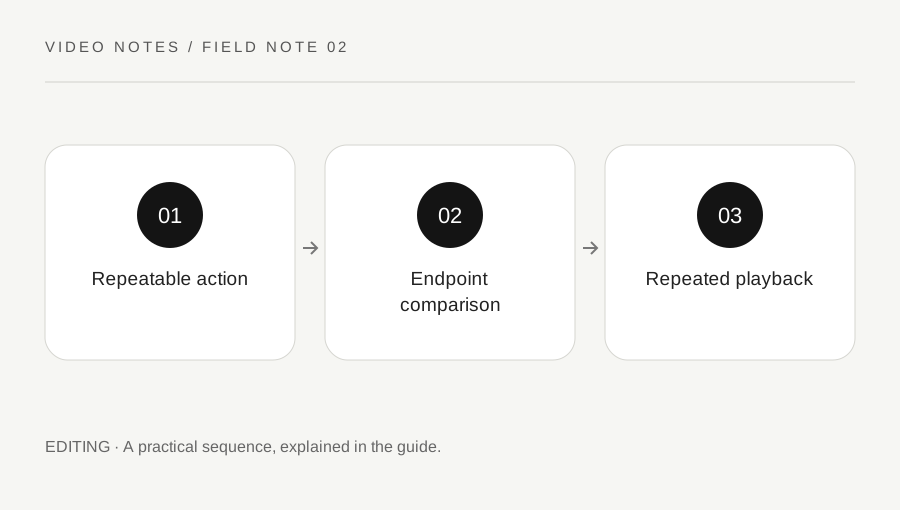
Original explanatory diagram. Examples illustrate a method or decision; they are not claims of personal testing.
Choose motion that can plausibly repeat
Start with one restrained action such as a gentle decorative movement or a slow abstract change. A person entering a room or a glass being filled has a clear directional outcome and may not return naturally to its starting state. Do not assume the word seamless in a prompt solves that structural problem.
Describe what should remain stable: camera position, object count, background and lighting. Keep the main action simple enough to inspect. For an illustrative ambient loop, a stationary composition with a small repeated movement gives you fewer continuity variables than a camera orbit with several moving people. The creative choice reduces the repair work before generation begins.
Use supported endpoint controls carefully
If the selected tool supports first and last reference frames, read its current instructions and use only assets you are entitled to upload. Adobe Firefly documents first and last frames for image-to-video generation. Matching reference frames can guide an intended return, but they do not guarantee that the intermediate motion or final join will be convincing.
Keep a record of the model, references and settings. Inspect whether important shapes drift even when the overall framing returns. An object can change identity, texture or orientation during the clip and still resemble the start at a glance. A loop needs temporal coherence, not merely two similar thumbnails.
Compare the seam in the timeline
Place two copies of the candidate clip consecutively in an editor and inspect the boundary. Compare object positions, exposure, colour and the direction of motion. A sudden brightness change can be as noticeable as a position jump. Look at the frames immediately before and after the join rather than only the first and last stills separately.
Try a careful trim if the useful cycle lies within the generated material. Do not remove frames randomly until the jump becomes harder to notice. The trim should preserve the action rhythm and avoid a new pause. Keep the original clip so you can compare the edit and reverse an unsuccessful attempt.
Use transitions only when they serve the image
A short dissolve may soften some joins, but it can also create doubled objects or ghosted faces. Review the transition at normal speed and slowly. If the content is abstract, blending may be acceptable; if it shows a precise product or person, the same effect may be misleading or visually distracting.
Avoid reversing a clip automatically to create a back-and-forth loop when the action has a real direction, such as liquid flowing or a person walking. An illustrative decorative particle movement may tolerate a different treatment from a factual process demonstration. Choose the method according to what the viewer will understand, not merely whether the edit hides a cut.
Test repetition in the actual destination
Play the loop several times and notice whether the seam draws attention repeatedly. Check the destination playback behaviour: some pages or players pause, add controls or do not autoplay as expected. Follow platform and accessibility guidance for motion and user control. A technically repeating file is only one part of the viewing experience.
Review any audio separately because a visual loop does not ensure a clean sound join. Keep a normal non-looping export if the destination does not need repetition. Record the accepted limitations, such as an abstract visual intended only as decoration. If the seam remains distracting, use a clear beginning and ending instead of promising a seamless result that the clip does not deliver.
A practical checklist
Choices are saved in this browser. Reset them here or clear this site’s browser storage.
Questions that come up
Do matching first and last images guarantee a loop?
No. Intermediate motion, changing shapes, exposure and the final join still need review.
Can I reverse every clip?
No. Directional actions can look physically wrong or misleading when reversed.
Will a dissolve always hide the seam?
No. It can introduce ghosting or doubled objects. Review the actual content and use a non-looping edit when appropriate.
References & scope
Background references checked on 18 October 2026. Worked examples and diagrams are original teaching material.